Fast invoices
Add a client, add your items, set a due date. Due upon receipt, 7, 14, or 30 days are one tap. Totals and tax work themselves out.
Features
Simple on purpose. No accounting degree required.
Add a client, add your items, set a due date. Due upon receipt, 7, 14, or 30 days are one tap. Totals and tax work themselves out.
Ten designs to choose from, with your logo and your color. Share by text, email, or any app on your phone.
Draft, sent, paid, and overdue at a glance, with your outstanding total right at the top.
Send an estimate, let the client sign it on their phone with no sign-up, turn it into a job, and create the invoice when the work is done.
Add photos to invoices and estimates so the work is shown, not just described.
Snap a photo of a receipt, log what you spent, and see your profit on each job.
Ask happy customers for a review in one tap, right after the job is done or the invoice is paid.
Log in at invoiste.com or on your phone. Same invoices, same clients, always in step. It also works offline.
Type or say "Mike's Roofing, gutter cleaning $1,200, due in 14 days" and get a ready-to-review invoice.
Connect your own payment account and add a Pay now link to every invoice.
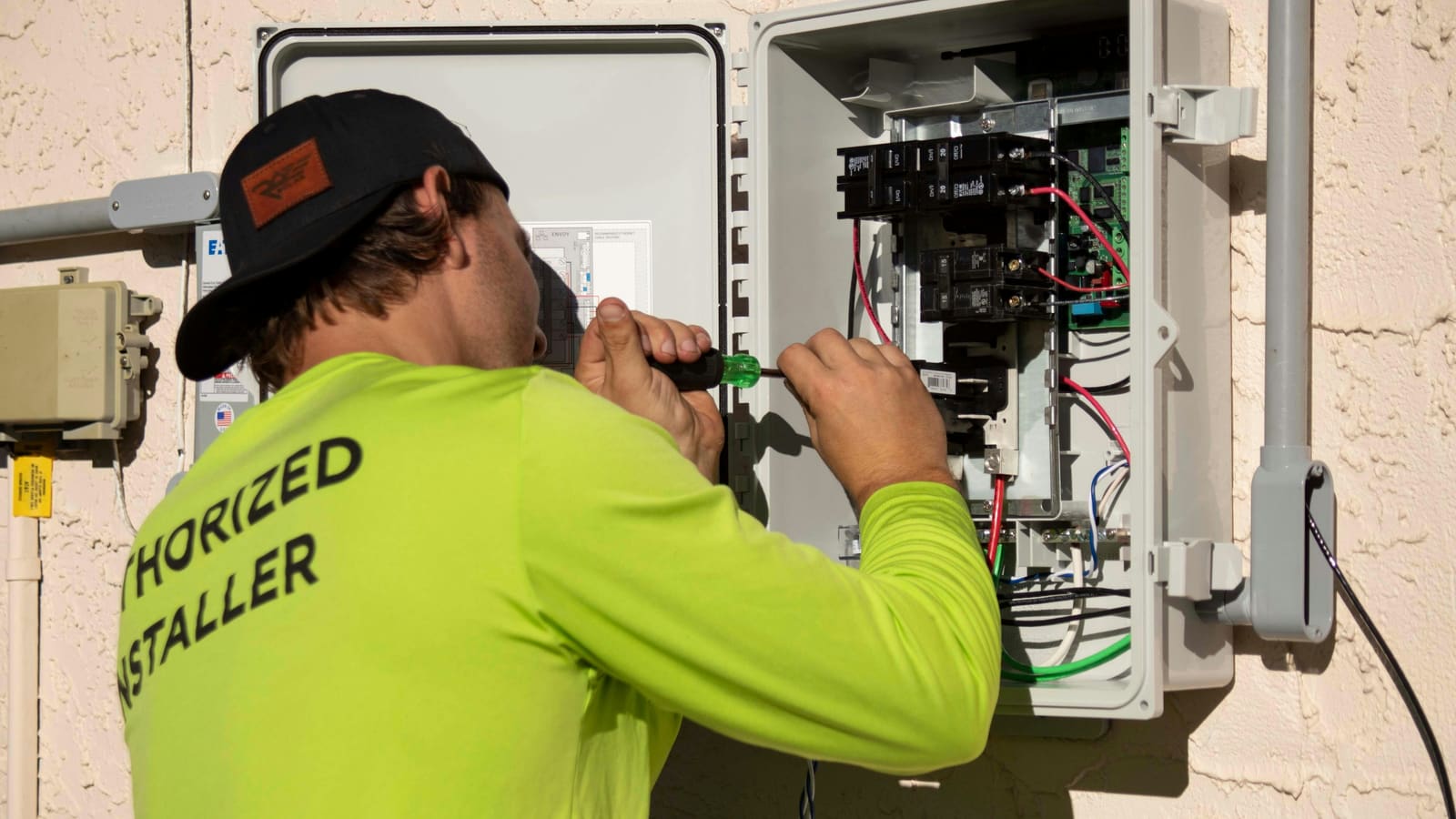
Bad signal? Your invoices are on your phone. Gloves on? The buttons are big. Everything is built so you can finish the paperwork in the time it takes to pack up your tools.
How it works
List the work and send it. Your client signs on their phone.
A signature turns the estimate into a scheduled job.
When the work is done, create the invoice in a tap.
Mark it paid and see what is still outstanding.
Join the waitlist and be first in when Invoiste opens up.
Your invoices, estimates and jobs are waiting.
Join the waitlist Open your app